
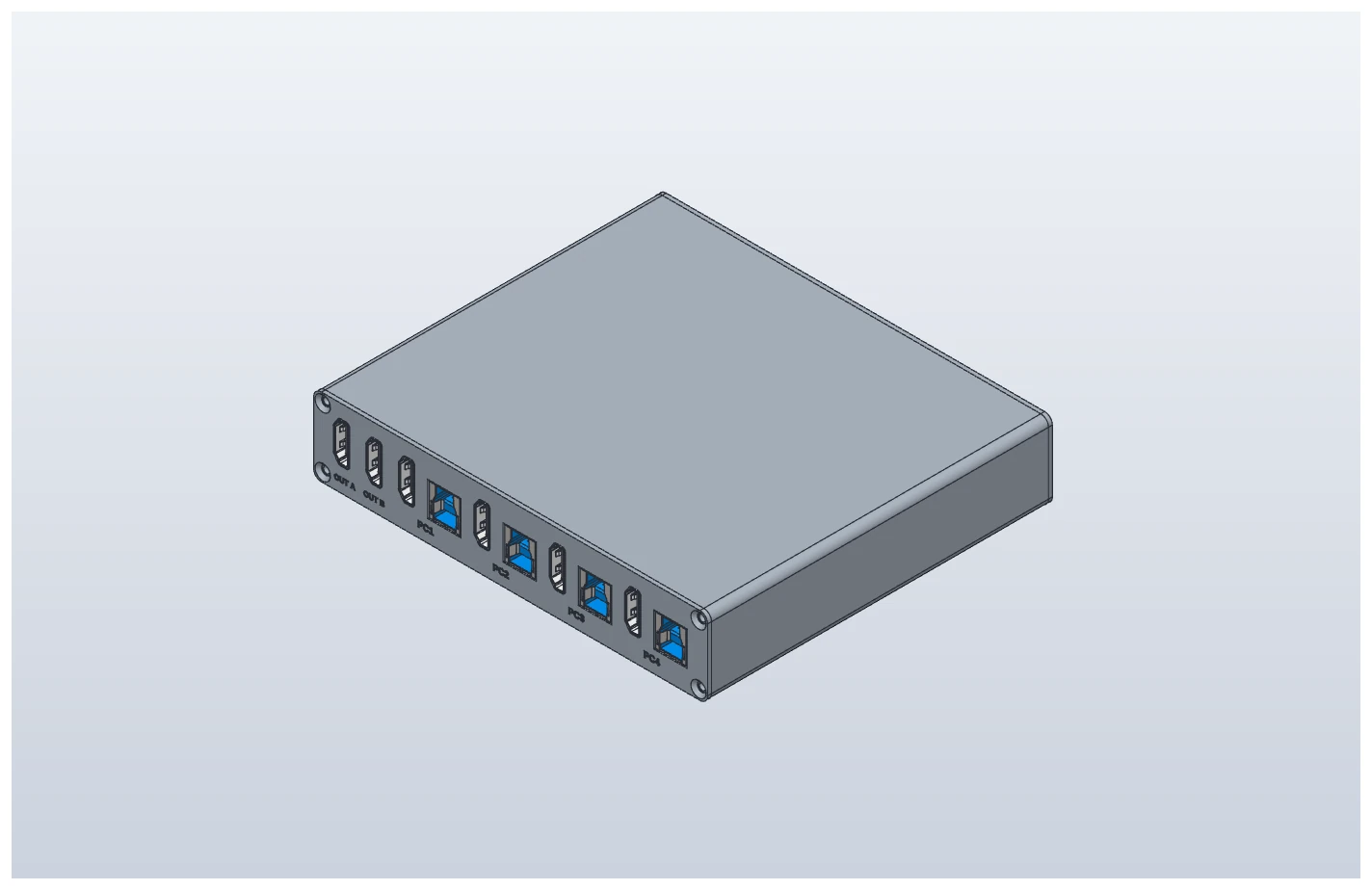
KVM4x2
Industrial KVM switch, HDMI 4 inputs and 2 outputs
Use four PCs with two monitors and one keyboard and mouse. You configure what the buttons and 24 V inputs do, and what the 24 V outputs report, to suit your site.
Change input and output behavior to suit your site
The PC configuration tool sets what each button does, which signals go to the host machine, and which PC each monitor shows. Settings are stored in the device and survive a power cycle.
See how to configure it (Korean manual)- Input (DI) and front-panel button actionsAssign one display action and one keyboard/mouse action to each button: show the selected PC on monitor A, on monitor B, or on the monitor that has the keyboard; cycle PCs per monitor (choose which PCs to cycle); send the keyboard and mouse to a monitor or to a specific PC; cycle PCs.
- Output (DO) conditionsChoose when each DO turns on: when a PC is shown on monitor A or B, when it is the keyboard/mouse target, keyboard/mouse position, PC power (HDMI +5 V) detected, device running normally, or device error. Each condition can also be inverted.
- Output lockTie one monitor to a specific PC so it always shows that PC, like a monitoring screen. No button press changes it.
- Checking and saving settingsConflicting settings are blocked before they are written, and read back afterwards to confirm. Settings can be saved to a file and copied to another device.
Features
- Change button, DI and DO behavior with the PC configuration tool
- Choose the PC shown on monitor A and on monitor B separately, from PC1 to PC4
- Operate four PCs with one keyboard and mouse; the Num Lock and Caps Lock indicators follow
- Other PCs keep their monitor connection when you switch, so window layouts stay in place
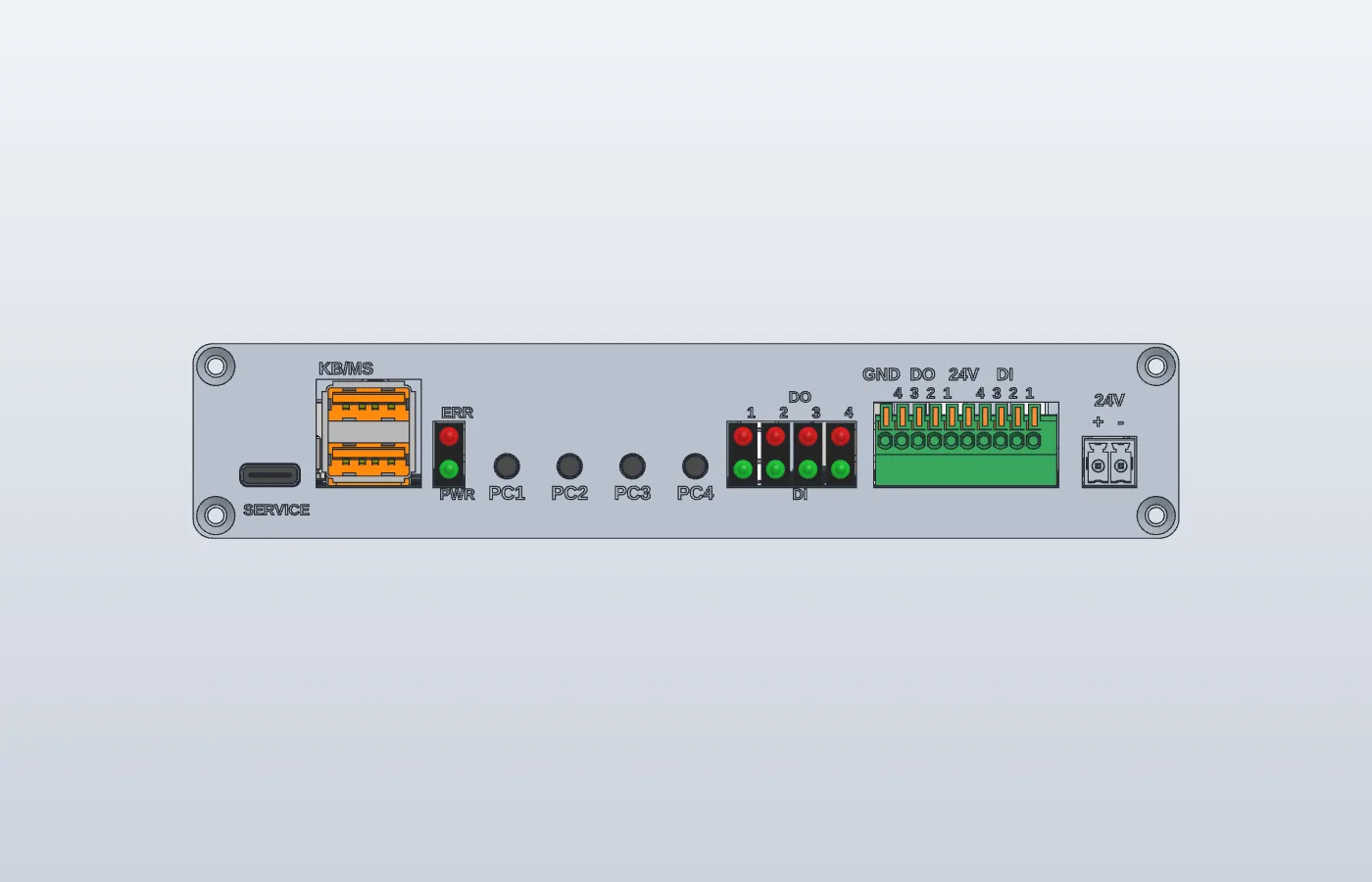
- Switch with front-panel buttons, external 24 V push buttons (DI), keyboard shortcuts, or the PC configuration tool
- Four 24 V signals (DO) tell the host machine which PC is on screen
- Remembers the last selection after a power cycle
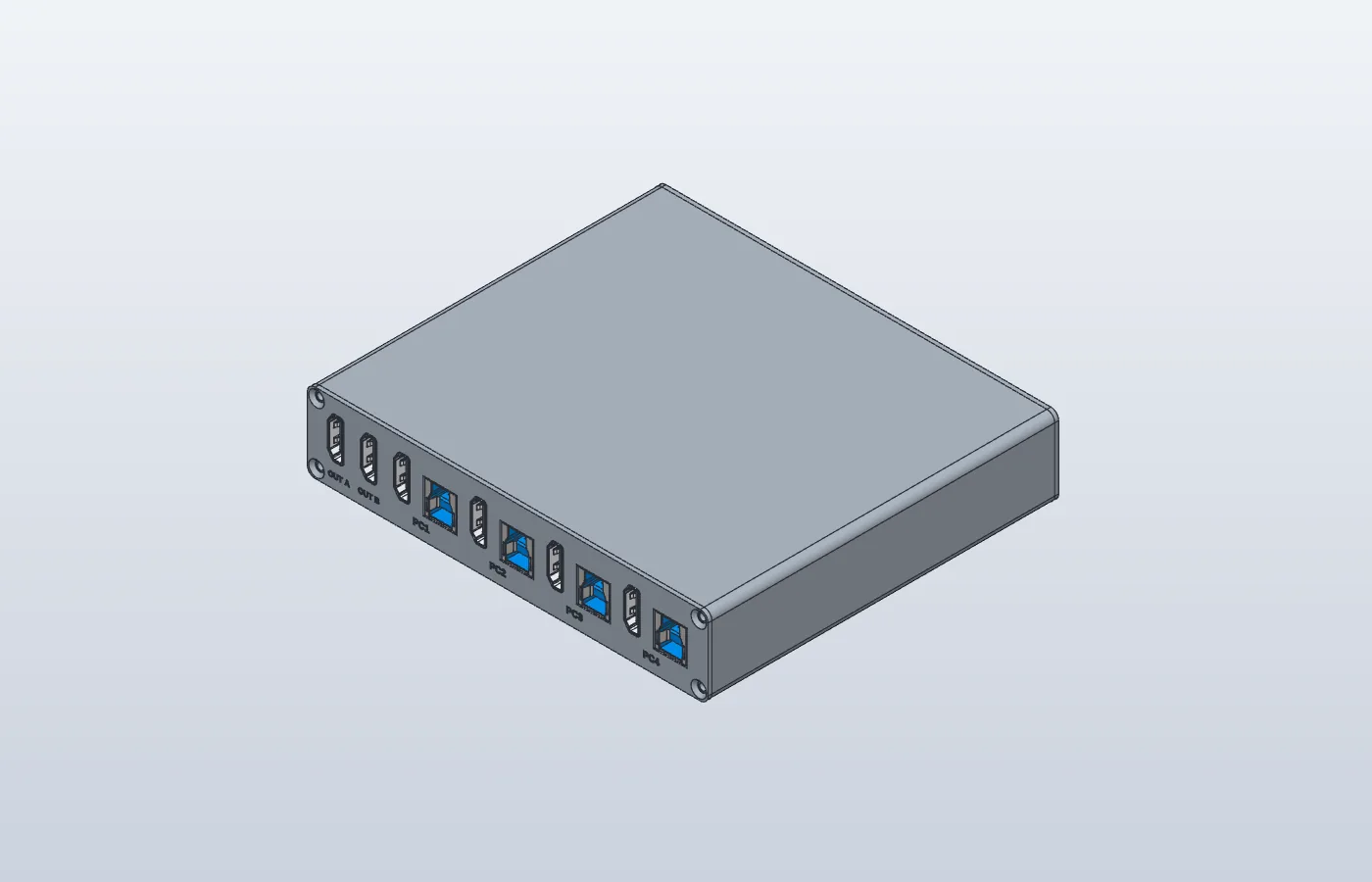
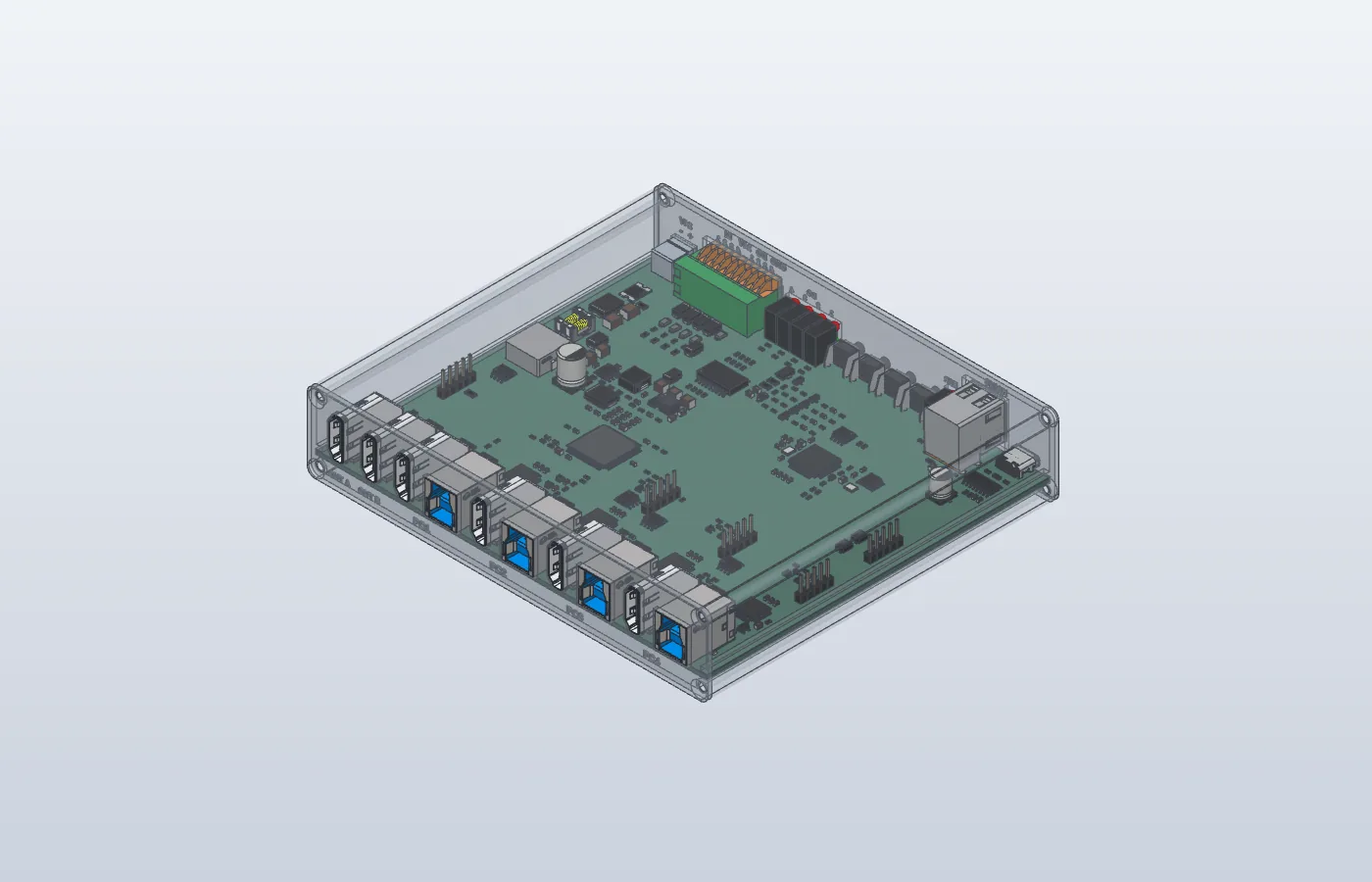
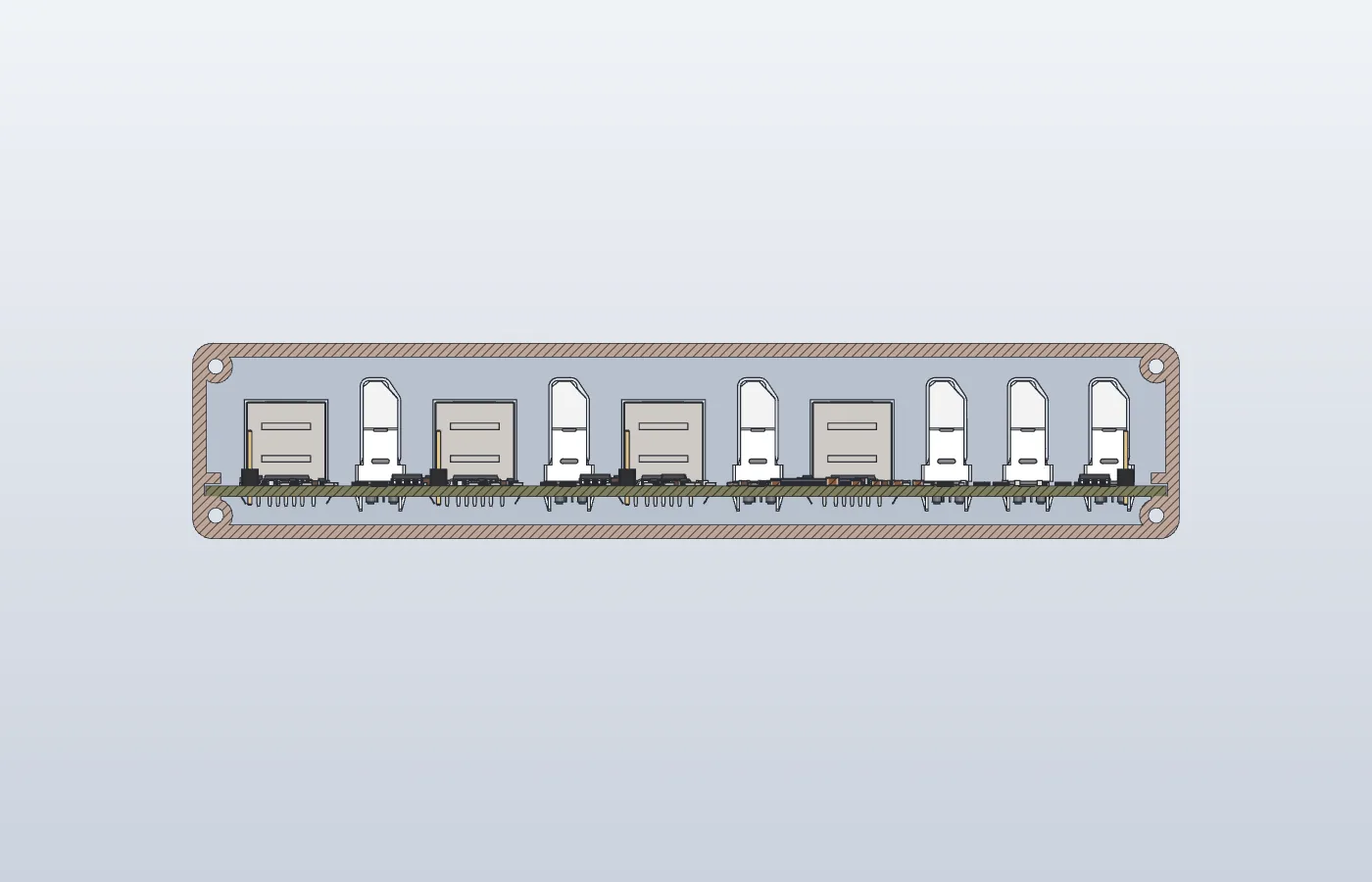
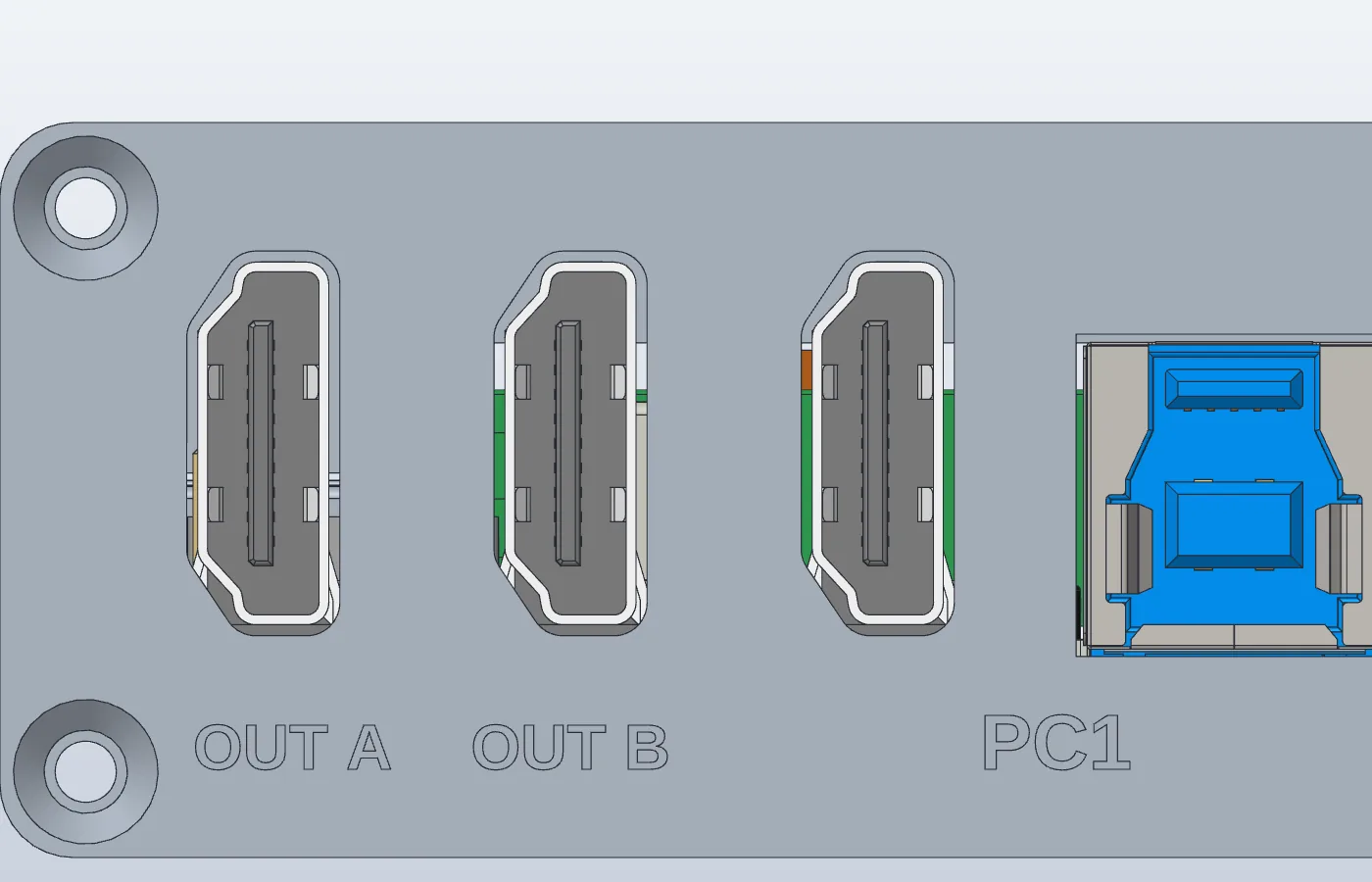
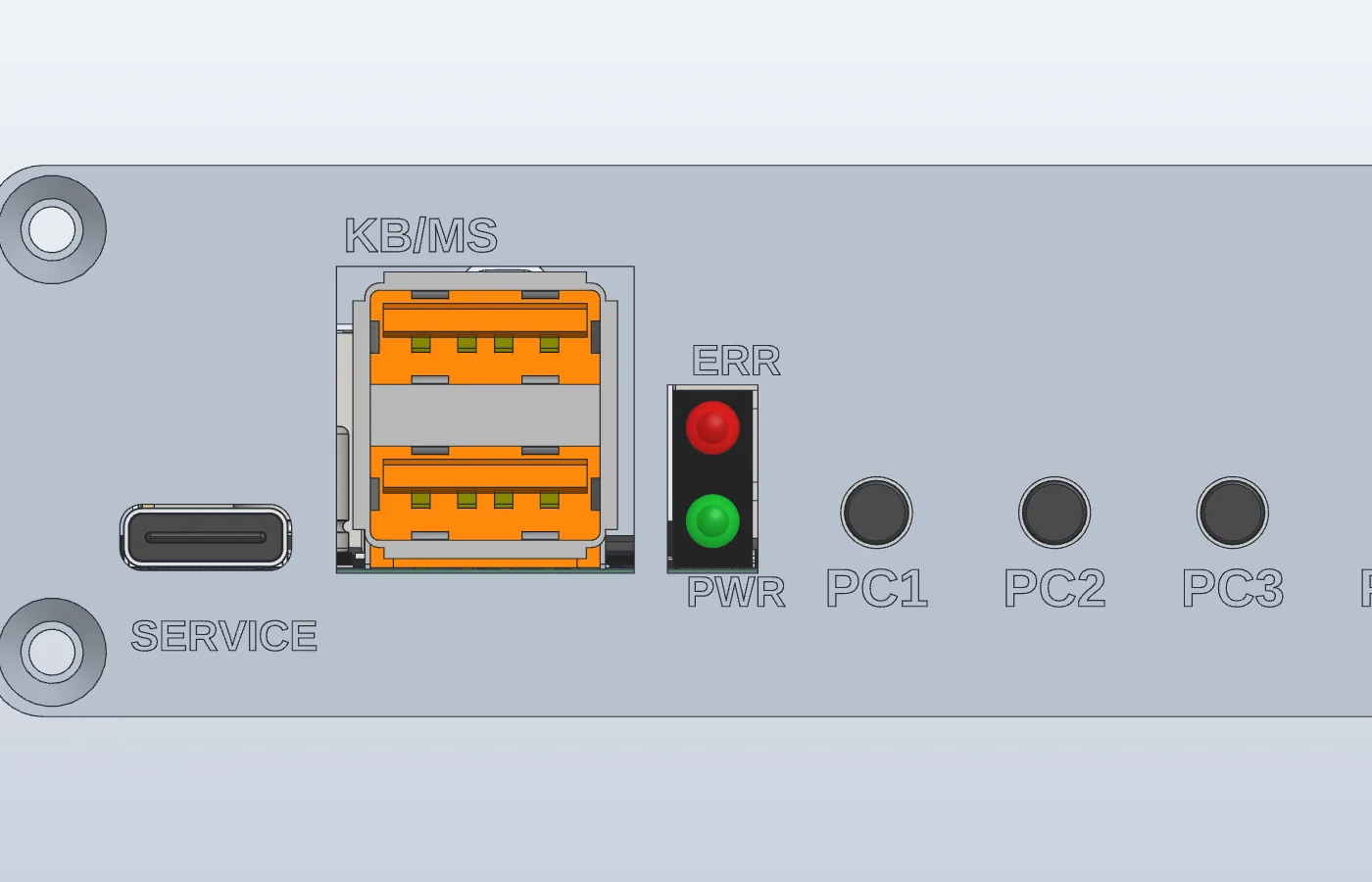
Note: Specifications are for the prototype. 4K, HDCP content, mirroring and split screen are not supported. The pictures are 3D renderings and may differ from the actual product.
Specifications
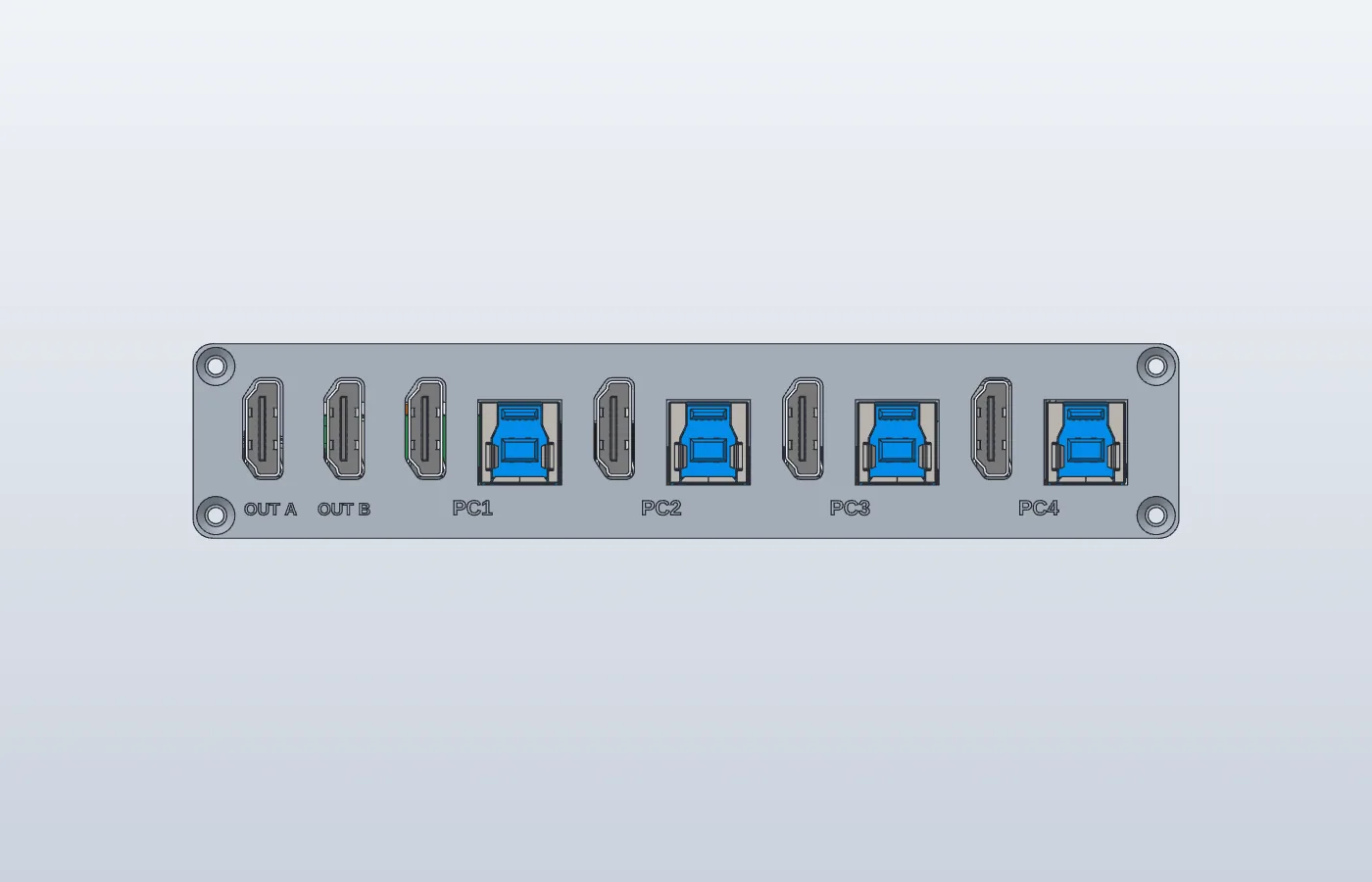
| Video inputs | 4 × HDMI (PC1 to PC4) |
|---|---|
| Video outputs | 2 × HDMI (OUT A, OUT B) |
| Resolution | 1920×1080, 60Hz |
| USB to PCs | 4 × USB-B (one per PC, recognized as keyboard and mouse) |
| Keyboard and mouse ports | 2 × USB-A (front panel) |
| Service port | 1 × USB-C (configuration tool, firmware update) |
| Power | 24 VDC, 18 to 30 V allowed |
| Digital inputs (DI) | 4 points, sinking input (on when pulled to 0 V) |
| Digital outputs (DO) | 4 points, NPN output |
| Operating temperature | 0~50 ℃ |
| Dimensions | Aluminum case, 152 (W) × 30 (H) × 130 (D) mm |
Downloads Members only
The installers and firmware are for members only
Log in to download right away. If you are not a member yet, sign up with your email or a Google account.
Product images
Need a different specification?
We develop dedicated versions with the channel count, connectors and communication method changed to fit your machine.